
Running Google Ads is one of the fastest ways to get leads, sales, and website traffic. Whether you’re promoting a local business, an e-commerce store, or a service-based company, Google Ads helps you reach customers at the exact moment they’re searching for what you offer.
If you’re new to Google Ads, this simple guide will walk you through everything — step by step.
What Are Google Ads?
Google Ads is an online advertising platform where you pay to show your ads on:
- Google Search
- YouTube
- Websites (via Display Network)
- Shopping Results
- Apps
You only pay when someone clicks your ad (PPC – Pay Per Click).
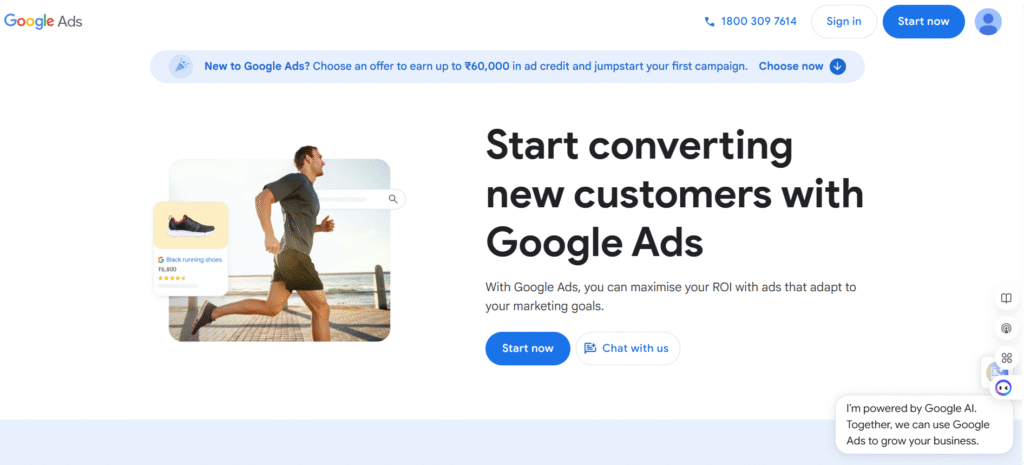
How To Run Google Ads: Step-by-Step Guide
1. Create Your Google Ads Account
Go to: ads.google.com
Sign in with your Google account and set up your business information.
2. Understand Your Advertising Goal
Google gives several goals to choose from:
- Get more calls
- Get website traffic
- Generate leads
- Increase sales
- Promote app installs
- Brand awareness
Choose the goal that matches your business needs.
3. Choose the Right Campaign Type
Google offers 7 major campaign types:
✔ Search Ads
Text ads shown on Google search results.
Best for: Leads, service businesses, local businesses.
✔ Display Ads
Banner ads shown on websites.
Best for: Brand awareness, retargeting.
✔ Video Ads
Ads shown on YouTube.
Best for: Branding, awareness.
✔ Shopping Ads
Product ads shown in Google Shopping.
Best for: E-commerce.
✔ Performance Max
All-in-one campaign using automation.
Best for: Ecommerce, multi-channel campaigns.
✔ App Campaigns
Best for: App downloads.
✔ Local Services Ads
Pay per lead; great for local businesses.
Choose the type that fits your goal.
4. Conduct Keyword Research
For Search Ads, keywords are crucial.
Use tools like:
- Google Keyword Planner
- Ahrefs
- SEMrush
- Ubersuggest
Look for keywords that are:
✔ Relevant to your business
✔ Have good search volume
✔ Have manageable competition
Include:
- Exact Match Keywords
- Phrase Match Keywords
- Long-Tail Keywords
Avoid broad match keywords in the beginning.
5. Set Your Budget and Bidding Strategy
Decide how much you want to spend daily.
Common bidding strategies:
✔ Manual CPC
You set your cost per click manually. Good for beginners.
✔ Maximize Clicks
Google tries to get as many clicks as possible.
✔ Maximize Conversions
Best when you have conversion tracking setup.
✔ Target CPA / ROAS
Advanced bidding based on goal performance.
Start small, test what works, then scale.
6. Write High-Converting Ad Copy
Your ad copy must:
✔ Match the keyword
✔ Highlight benefits
✔ Include a CTA (Call-to-Action)
✔ Look trustworthy
Example:
Headline: Best Digital Marketing Services in Delhi
Description: Get SEO, Google Ads & Social Media Marketing. Guaranteed Results. Call Now!
7. Create Relevant Landing Pages
Your ad is only half the job — your landing page must convert.
Ensure your landing page has:
- Clear headline
- Benefits & services
- Strong CTA (Call Now, Book Demo, Buy Now)
- Fast loading speed
- Mobile-friendly design
Never send Google Ads traffic to a homepage — use targeted pages.
8. Set Up Conversion Tracking
Without tracking, you can’t measure success.
Track:
- Calls
- Form submissions
- Purchases
- Add to cart
- Page views
- Button clicks
Use:
- Google Tag Manager
- Google Analytics 4
- Conversion tracking tags
9. Launch Your Campaign
Once everything is in place:
✔ Review your ads
✔ Set your location (city/country)
✔ Set ad schedule (days/time)
✔ Add negative keywords
✔ Add ad extensions (sitelinks, callouts, phone number)
Then click: Publish
Your ads will start running after approval.
10. Monitor, Optimize & Scale
Google Ads is not a “set and forget” platform.
Optimize:
- CPC rates
- Keywords
- Search terms
- Ad copy
- Bidding
- Landing pages
Remove keywords that waste money.
Keep only those that generate conversions.
Final Thoughts
Running Google Ads is one of the most powerful ways to grow your business — but it needs strategy, correct setup, and continuous optimization.
If you want us to make any change in your life or business we can make it big just visit our site once Ingenious Edge
2 Responses